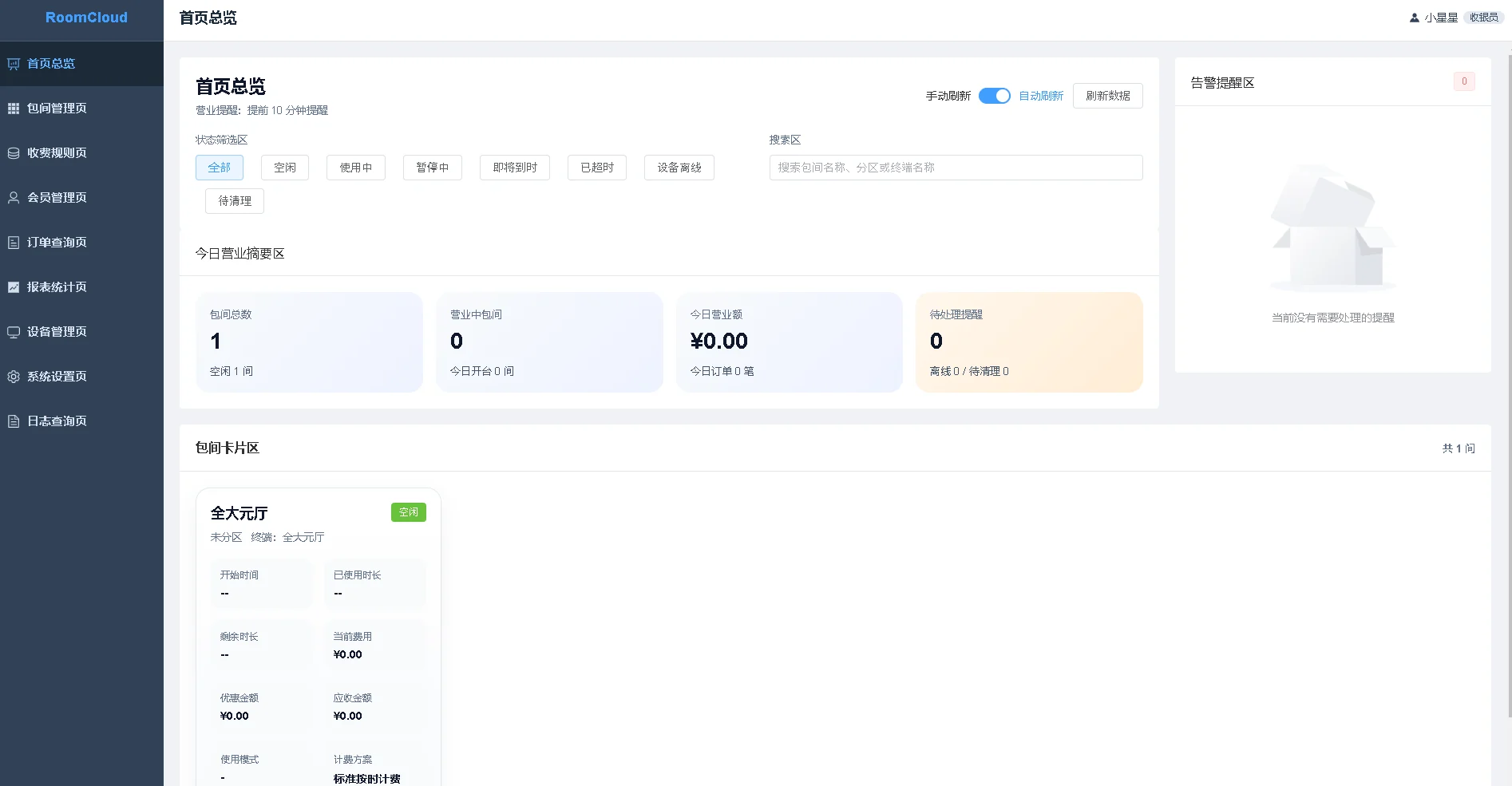
RoomCtrRooms, billing, members, payments, reports, permissions, logs and device actions.View product
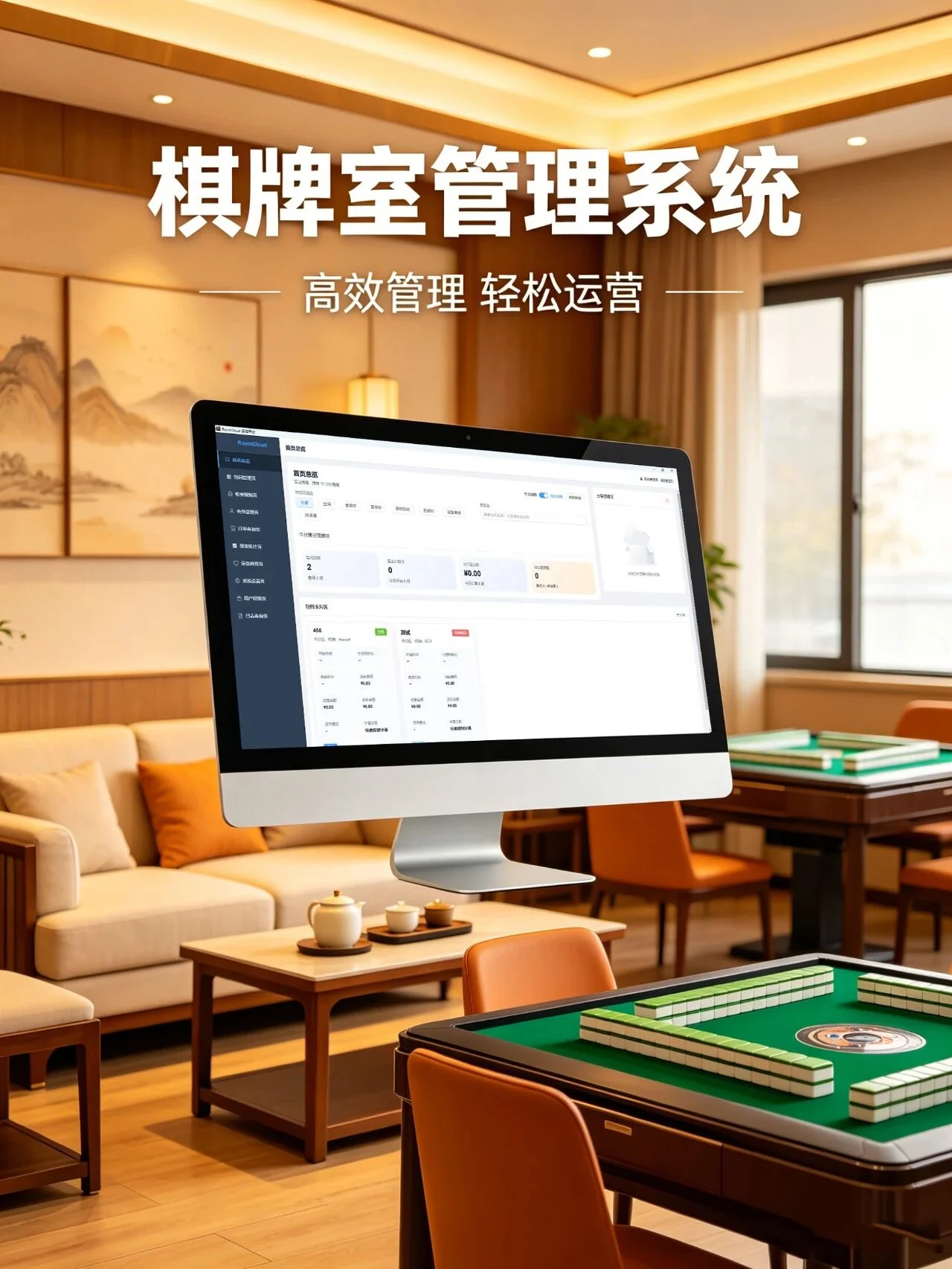
The solution uses the free and open-source RoomCtr local management system as the operating core, then combines Zhenming network relay controllers and optional energy acquisition to connect room opening, billing, members, payments, lighting, air-conditioning, main power, reports and audit logs.
A room-opening action creates the order and activates configured equipment. During use, the operator can pause, extend or adjust the order. Settlement completes the payment record and runs the configured room shutdown action. Reports and logs retain the business and operation trail.
The software handles the operating workflow, controllers execute room switching, and energy devices provide a separate circuit-level consumption view.
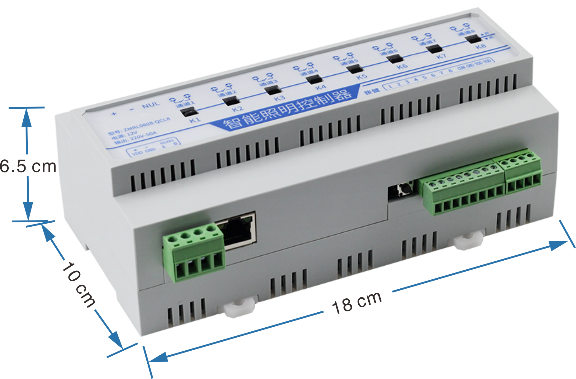
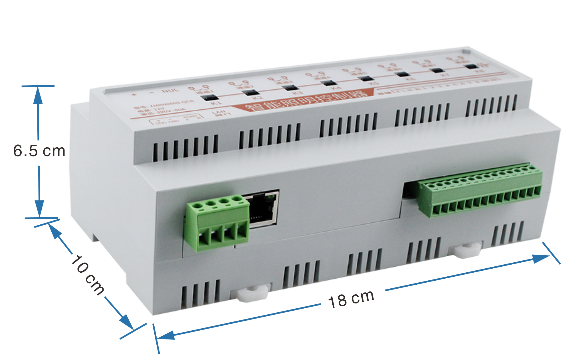
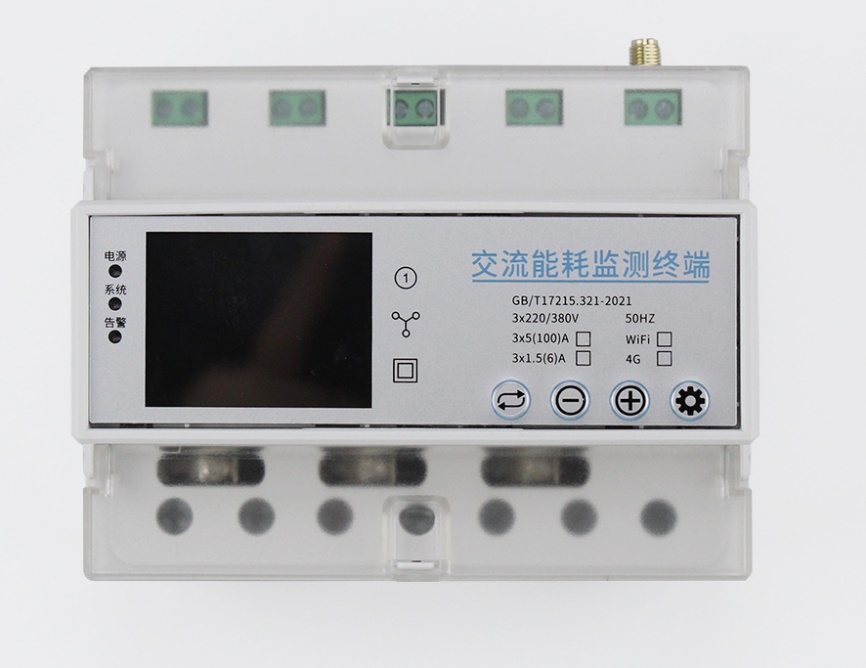
RoomCtr manages business events and configured control channels. Lighting and main-power execution uses matched controllers; air-conditioning control follows the actual unit interface and selected device. Reservation, access control and unattended payment can be integrated as separate business systems when project interfaces are available.
Associate each room with its orders, billing and equipment channels so opening, extending, pausing and settlement follow the operating workflow. RoomCtr handles room state, membership, payments and business records; network relays execute configured lighting and main-power actions. Match software channels to named physical circuits so reception and maintenance can manage room changes, replacement equipment and temporary faults.
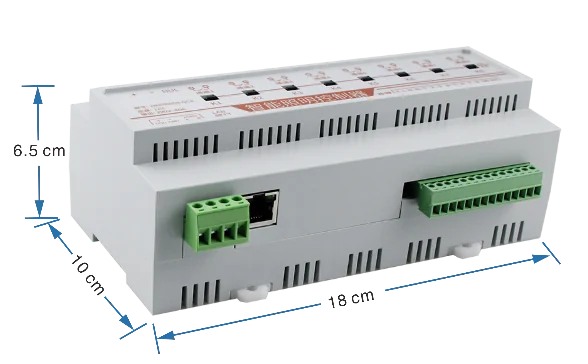
Connect lighting and main power through relays or matched execution devices according to load requirements, and choose an HVAC method suited to the appliance interface. The business system calls the configured actions. Use distinct combinations for customer use, cleaning and maintenance, retaining individual-channel operation. Review orders and field state separately, tracing offline or abnormal equipment through the room’s channel and action records.
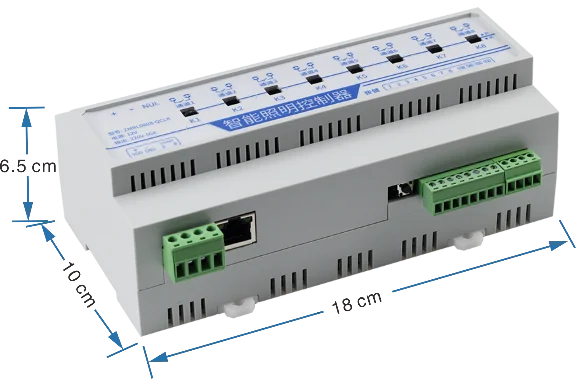
Review revenue, room openings, usage duration and discounts by period alongside room status and operation logs at shift handover. Assign permissions by reception, management and maintenance responsibilities, and retain local backups of business data and configuration. Optional metering adds a separate circuit-energy view, which can be compared against similar trading periods without mixing financial and energy records.
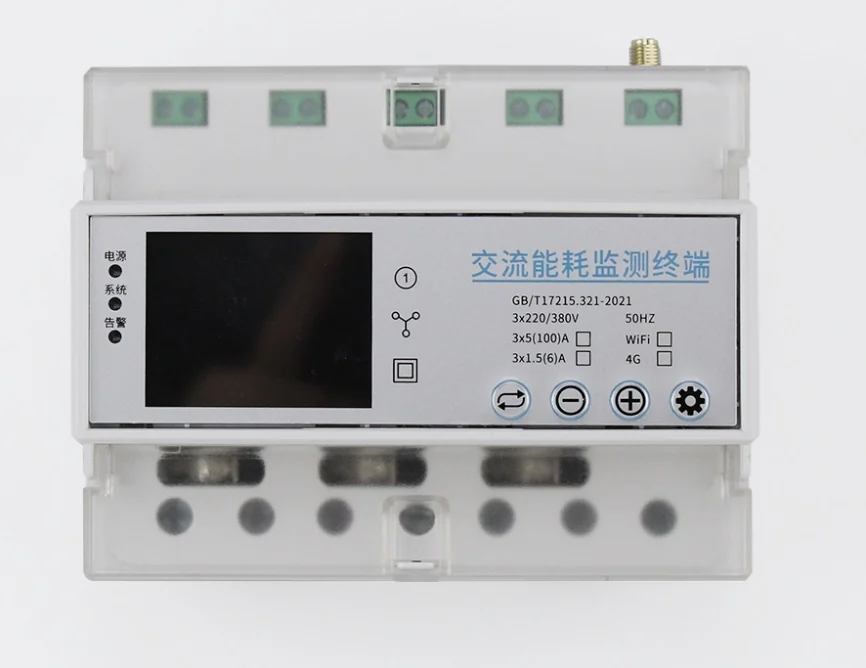
Link each room to its control channels, billing rules and staff permissions. Front-desk staff handle sessions, extensions, room changes and settlement; compatible controllers operate configured lights, air conditioning or power. Orders and logs retain business actions, while acquisition devices provide required status feedback. Review room state and unfinished sessions at handover and retain local and separate backup copies.
No. Business billing and electrical acquisition are separate; add meters or branch modules for room-energy analysis.
Check the room’s configured channels, controller connectivity and operation log, then field power and load, giving reception and maintenance a common troubleshooting route.
No. RoomCtr runs its service, database and management interface on a local Windows PC and remains available for routine operations without external internet access.
Room status, room opening, pause, extension, settlement, billing rules, members, payments, orders, reports, permissions, logs and local backup are included.
Mapped terminal channels can run start-room and settlement actions for lighting, air-conditioning and main power, with online or offline terminal status shown in the system.
Yes. Zhenming Electronics provides RoomCtr as a free and open-source product, with a public download link on this page.
ZMIR4G uses compatible infrared codes while separate controllers operate lighting and power circuits. Business interfaces coordinate reservations or schedules; sent commands are distinct from actual appliance state.
Call us or leave your contact details for product selection and project enquiries.
Call us+86 16605298829Taobao Store ↗Open the Zhenming IoT platform, product documentation or official Taobao store.