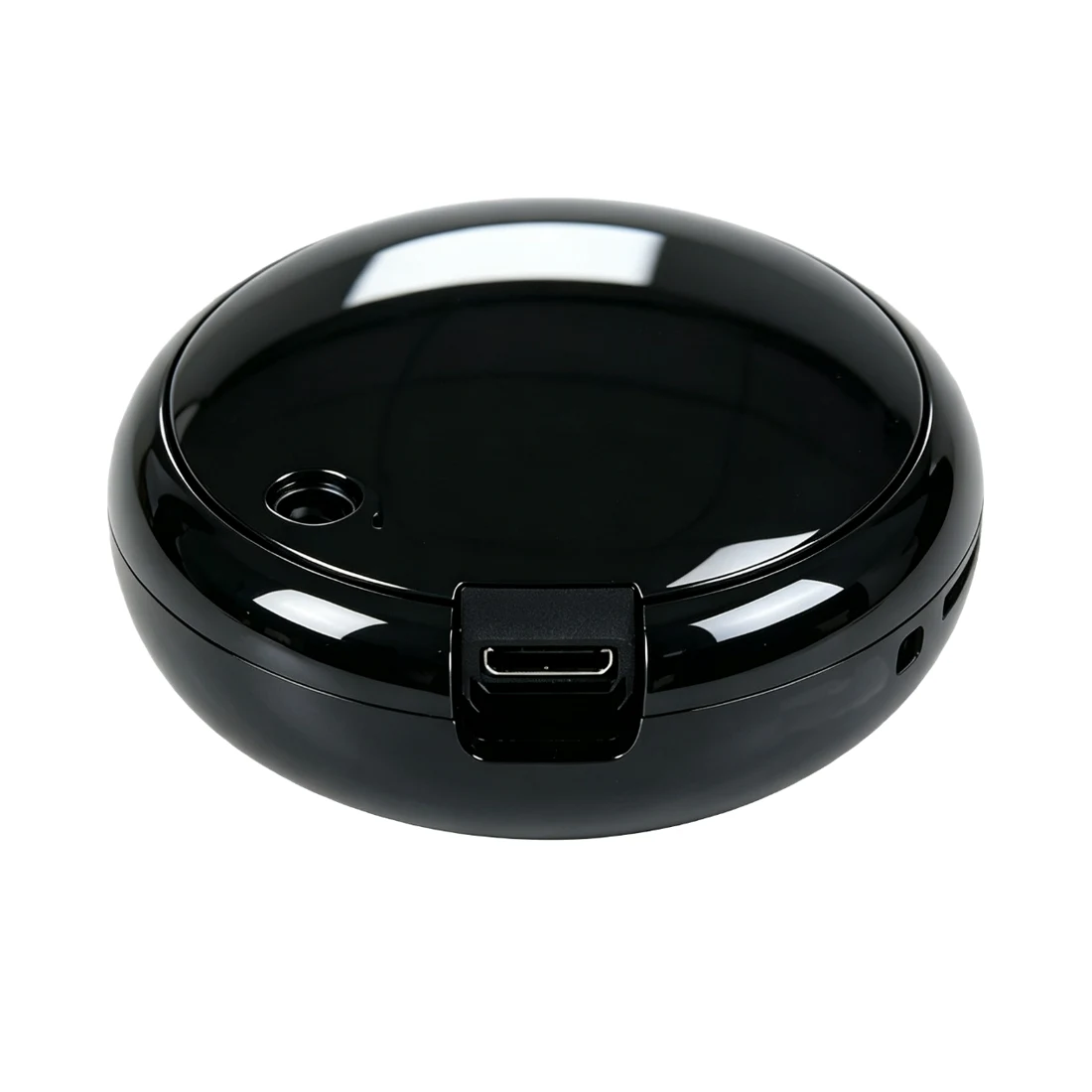
1-Channel 4G Remote Control Module
Select L1 or L1D single-circuit 4G control by supply and load. Compare the energy-aware ER1 for power data and multi-channel 4G ranges for additional circuits.
View product detailsConnect infrared air conditioners, TVs and set-top boxes through 4G, with code-library matching, mobile and desktop access, device groups and up to 32 scheduled tasks.
Tax-inclusive reference prices in CNY. Negotiable; the quotation reflects the selected configuration, quantity and delivery requirements. All products carry a 3-year warranty.
For a complete system, include the power supply, sensors, communication access and platform deployment in your enquiry.
ZMIR4G brings compatible infrared appliances into remote management without local Wi-Fi setup. Its integrated 4G modem and antenna connect commands from the platform to the selected appliance code library.
Send air-conditioner power, temperature, mode and fan commands, or TV and set-top-box power, volume, channel and source commands. Supported actions depend on appliance compatibility.
Name and group devices by room, building or store, and share control with authorized operators.
Up to 32 tasks are retained after a power cycle. Tasks trigger at minute resolution; appliances cannot be controlled during a controller power outage.
Online queries, infrared commands and schedule read/write interfaces support integration with reservation, timetable and store-management systems.
Group rooms and coordinate operating periods with classes or reservations.
Manage appliances by opening hours and combine them with separate lighting controllers.
Provide a clear infrared path to the receiver; account for multiple identical appliances within the same coverage area.
| Communication | 4G with integrated modem and antenna |
|---|---|
| Appliances | Compatible infrared air conditioners, TVs and set-top boxes |
| Schedules | Up to 32, retained across power cycles |
| Access | Mobile and desktop |
| AC setting range | 16–30°C on the control page; response depends on appliance |
| Interfaces | Online query, command delivery, schedule read/write |
Infrared control operates appliances with remote-control interfaces, such as air conditioners and televisions. Relay controllers switch supply circuits. Plan appliance commands separately from lighting and main-power switching.
Select L1 or L1D single-circuit 4G control by supply and load. Compare the energy-aware ER1 for power data and multi-channel 4G ranges for additional circuits.
View product detailsThe local software manages room operations, billing and equipment linkage. Matched relay or infrared devices execute lighting, main-power and appliance commands, keeping business operations separate from hardware execution.
View product detailsOrganize deployment by room and match each air conditioner, television or set-top box to its brand and model. Verify power commands first, then the temperature, mode, fan speed or channel actions needed in service. A brand may use several code sets. Name the configured device by room and purpose so operators can locate it consistently in groups, shared access and schedules.
Locate the controller so its infrared signal reaches the appliance receiver, taking account of mounting height, furniture and room use. Plan adjacent rooms, partitioned spaces and identical appliances separately where independent operation is required. The cellular link connects the platform, while infrared carries the final command to the appliance; room layout affects that final link.
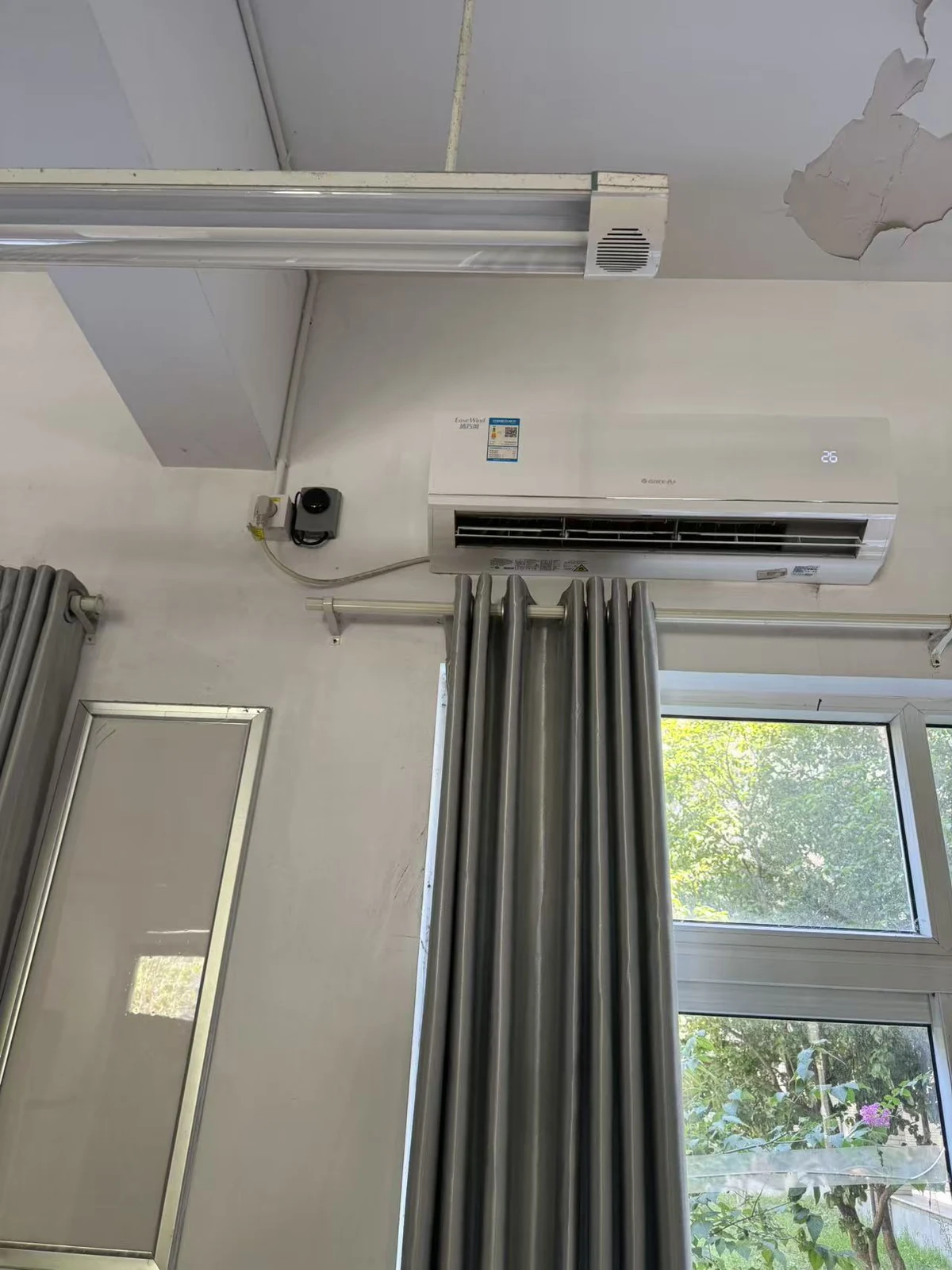
Build operating periods around classes, meetings or store opening hours. Authorized staff can handle temporary use while schedules cover recurring periods. The AC interface brings temperature, mode and fan controls together for consistent operation. Combine independent energy acquisition when actual demand or operation needs checking, and use the interface for timetable, booking or business-system integration.
Use building, floor and room groups, with appliance-purpose names inside each room. Keep room records and access assignments aligned with that structure for group operation and handover.
The booking system turns reservations or timetables into operating periods and integrates through online queries, infrared commands and schedule read/write interfaces. Separate devices handle lighting switching or energy acquisition.
No. The controller uses 4G and requires suitable cellular coverage and data service.
No. Use independent energy acquisition or field feedback when actual operating-state verification is required.
No. Configuration retention does not supply operating power. Network-loss and missed-task behavior form part of the project operating design.
Request product selection assistance, interface documentation and system integration support with your equipment list, channel count, network conditions and deployment requirements.
Call us or leave your contact details for product selection and project enquiries.
Call us+86 16605298829Taobao Store ↗Open the Zhenming IoT platform, product documentation or official Taobao store.