Zones · Operating scenes · Energy visibility · Logs
Scenic-Area Lighting and Operations
Organize visitor-area lighting by zone, calendar and operating scene with relays, dimming modules, local panels, energy acquisition and platform management.
ObjectsEntrances, paths, landscape and service areas
ControlSwitching, scenes and compatible dimming
StrategiesCalendars, holidays and events
OperationsCentral states, logs and energy review
Application overview
Group entrances, paths, landscape features and service facilities, then coordinate seasonal opening times and events. Circuit management, permissions and records support phased retrofit projects.
Functions and integration
Zones and scenes
Create operating, event, cleaning and standby scenes for visitor routes and facilities.
Calendars
Combine sunrise/sunset and holiday calendars with authorized temporary events.
Switching and dimming
Relays operate circuits; 0–10V modules and compatible drivers adjust brightness; panels provide local access.
Operations
Use groups, states, logs and energy trends to identify circuits outside their planned operation.
Applications and operating workflow
Daily opening
Coordinate lighting with each area’s operating period.
Events and closing
Use authorized scenes for temporary events and after-hours maintenance.
System selection
Objects
Entrances, paths, landscape and service areas
Control
Switching, scenes and compatible dimming
Strategies
Calendars, holidays and events
Operations
Central states, logs and energy review
Application design and operating strategy
01
Organize roads, buildings and night-tour nodes separately
Build a hierarchy of zones, cabinets, roads, buildings and landscape nodes, with circuit names tied to actual fixtures and service locations. Road and wayfinding lighting follow access hours; building outlines and waterfront features follow night-tour areas; exhibits and interactive equipment retain their own operating plans. Linking the location view to the circuit register gives each shift a consistent route to status and control.
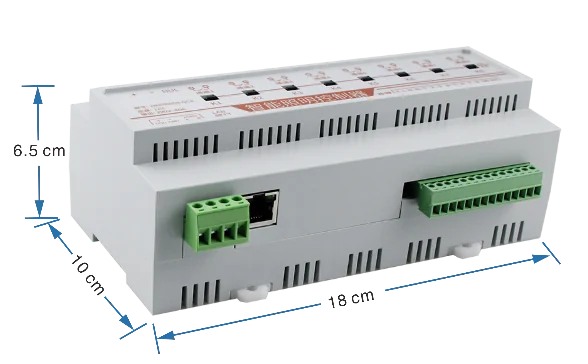
ZMRN0808-QC8 network relay controller
02
Define everyday, festival and temporary-event scenes
Use distinct lighting combinations for normal opening, weekends, holidays and night tours, with ordered activation of access lighting, focal features and event equipment. A 0–10 V module with compatible power drivers provides dimming where required, while professional effects can coordinate with DMX512. Give temporary events a defined device scope and end time, then return to the normal policy so proven scenes can be reused.
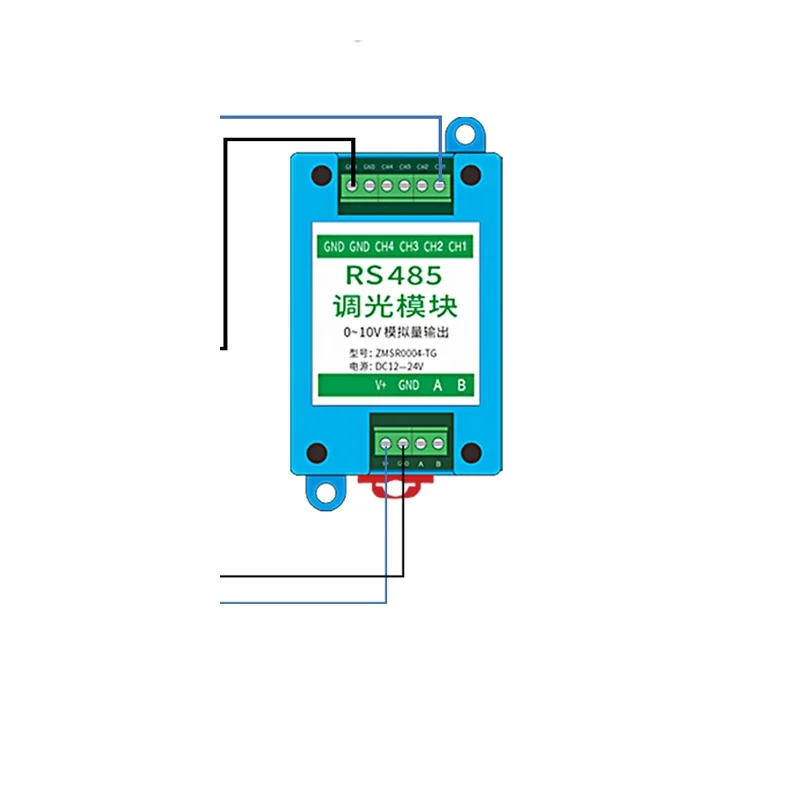
ZMSR0004-1G four-channel 0–10 V output module and terminals
03
Coordinate central scheduling and field execution
The platform changes opening hours, groups and batch scenes, while controllers supporting local tasks retain and execute their configured schedules. Align command order, clocks and manual overrides when both affect the same circuit. ZMLCD or wall panels provide inspection, cleaning and maintenance scenes at the control room. After reconnection, compare status and logs to review how temporary operation returned to the normal schedule.
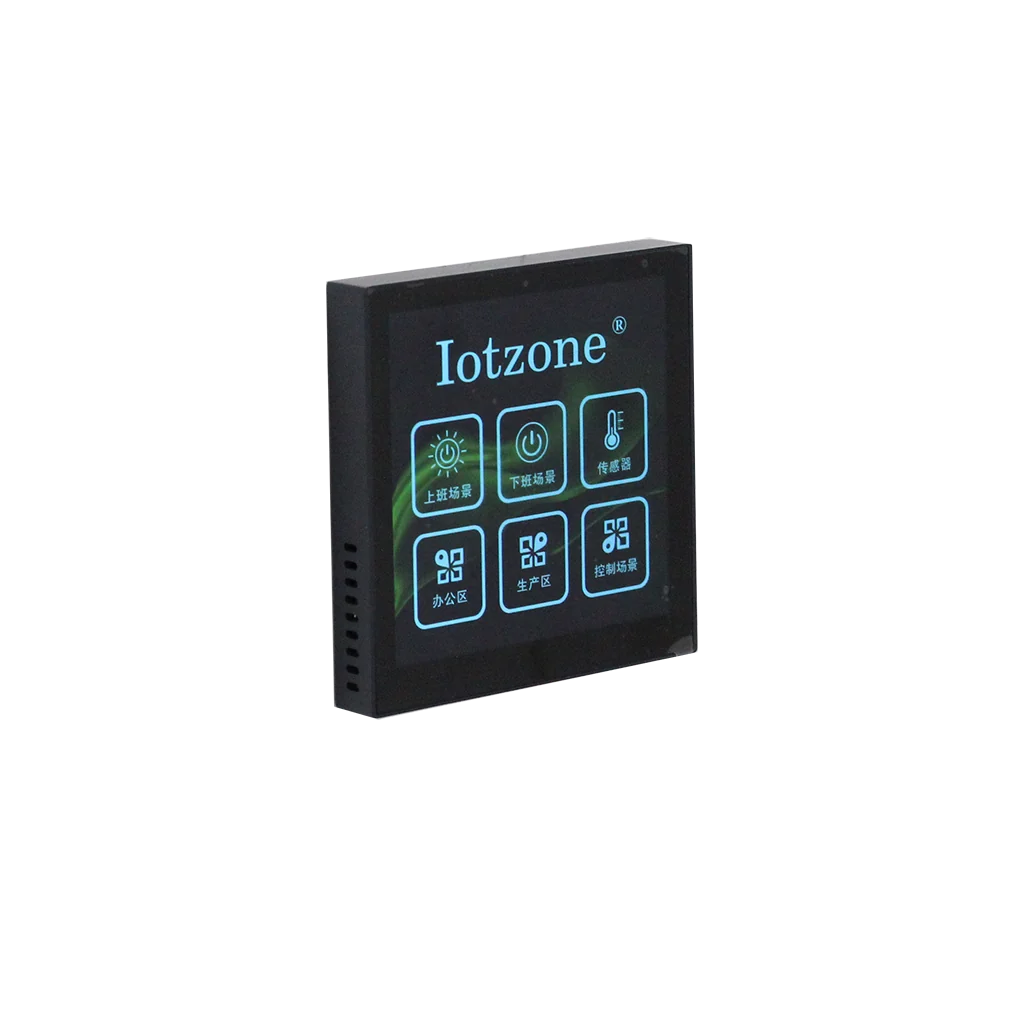
ZMLCD four-inch 86-format touchscreen panel
04
Review operating plans through circuit energy and logs
Add current and energy acquisition at priority cabinets and landscape circuits to compare policy actions, actual power-use periods and exceptions on one timeline. Investigate extended operation, out-of-schedule consumption and offline devices, then review the trend after service. Compare periods with similar opening hours, fixtures and event scope to inform seasonal adjustments and phased upgrades.
Selection questions
How are ordinary lighting and night-show effects coordinated?
Relays switch ordinary circuit power, compatible drivers and 0–10 V modules handle brightness, and professional lighting systems such as DMX512 can coordinate effects within the scene.
How is a late event handled alongside normal schedules?
Define a temporary scene and end arrangement for the event group, specify how manual operation interacts with scheduled tasks, and restore the normal plan after the event.
Can the upgrade be phased?
Start by zone or cabinet with control and status, then add local panels, dimming, metering and platform functions while retaining the same device naming and area hierarchy.
Frequently asked questions
Is full replacement required?
No. Compatible circuits and areas can be connected in stages.
Is there a fixed energy-saving percentage?
Results depend on lamp power, previous operating hours and strategy execution, evaluated with comparable data.
Request product selection assistance, interface documentation and system integration support with your equipment list, channel count, network conditions and deployment requirements.