Zhenming Electronics
4-inch · 7-inch · Dual-86 · 10-inch · RS485 · Custom UI

Industrial Touchscreen and Custom HMI Solution

Zhenming combines ZMLCD touch panels with relay controllers, dimming modules, sensors, energy acquisition and IoT platform functions. The solution turns lighting zones, equipment groups, scenes, field data and maintenance actions into one clear local interface.
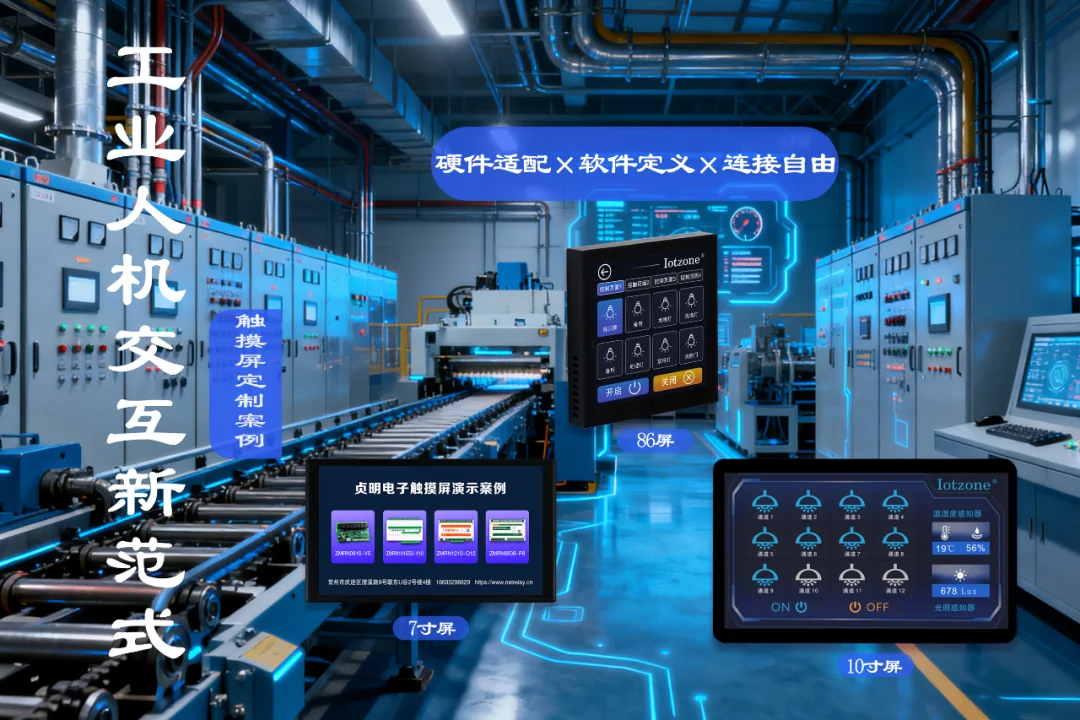
Zhenming industrial touchscreen HMI interfaces in a control environment

Four Project Dimensions

4–10Four form factors: 4-inch, 7-inch, dual-86 and 10-inch.
RS485Local communication with controllers, sensors and meters.
ScenesChannels, zones, dimming, all-on/off and reusable actions.
Custom UILayout, icons, data pages, permissions and interaction logic.

Application Overview

Upgrade a local switch into a visible operating interface

A touchscreen can present named circuits, current states, zones and scenes instead of exposing raw channel numbers. Sensor and energy pages add field visibility, while the platform remains available for schedules, logs, alarms and remote maintenance.
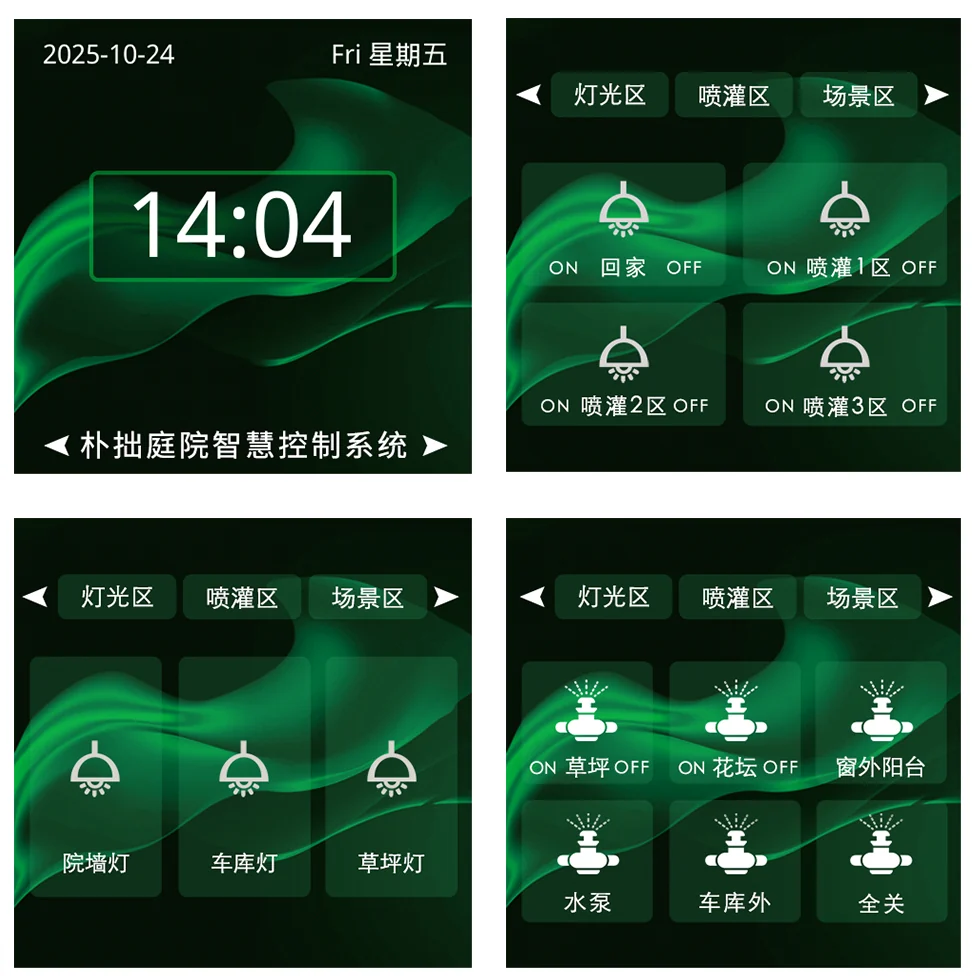
Touchscreen interface for lighting, irrigation and scene zones

Form Factor Selection

4-inch 86-panelWall-mounted local control for rooms, offices, small zones and compact scene pages.
7-inch embedded panelEquipment panels and cabinets requiring more buttons, status fields or process data.
7-inch dual-86 panelWall-mounted multi-zone control for buildings, venues and shared spaces.
10-inch panelControl desks and cabinet installations with energy, environment and multi-device dashboards.

Typical Interaction Models

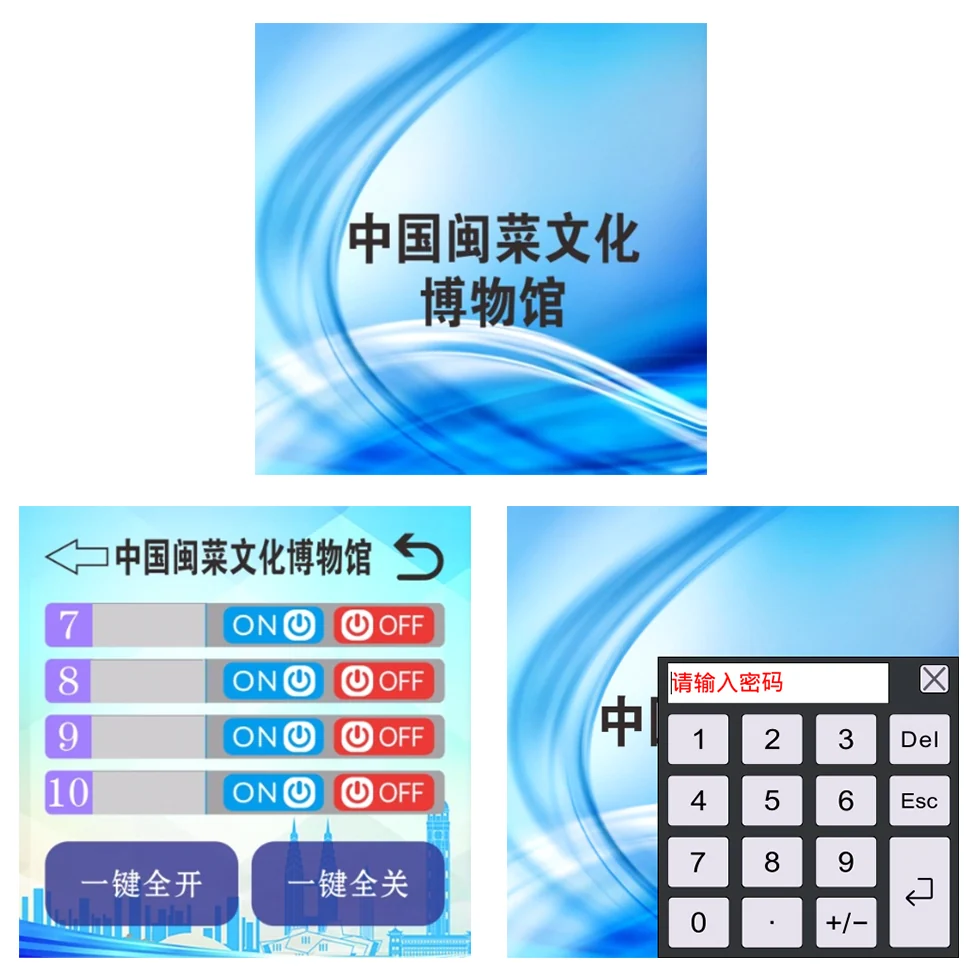
Password-protected museum lighting control interface
Zones and permissions

Organize circuits by area and add password access where unauthorized operation must be restricted.
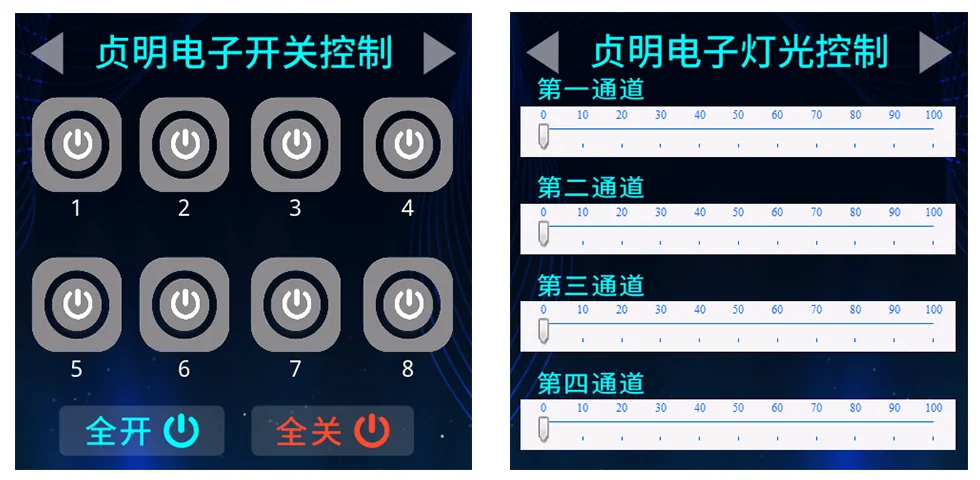
Touchscreen channel switching and independent dimming interface
Switching and dimming

Combine channel switching with independent brightness adjustment through matched relay and dimming hardware.
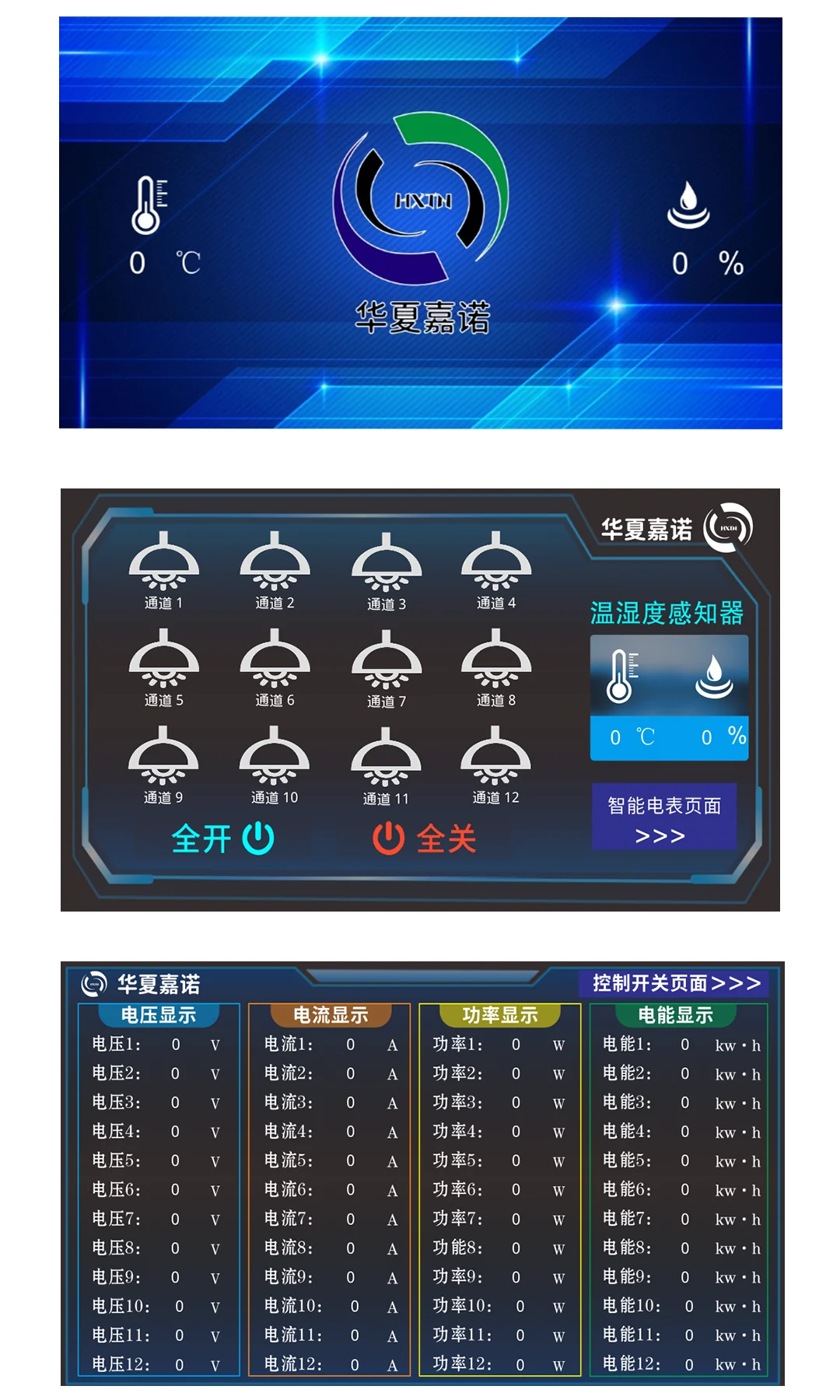
Touchscreen dashboard for lighting, temperature, humidity and circuit energy
Energy and environment dashboard

Present voltage, current, power, energy, temperature and humidity data next to field control pages.
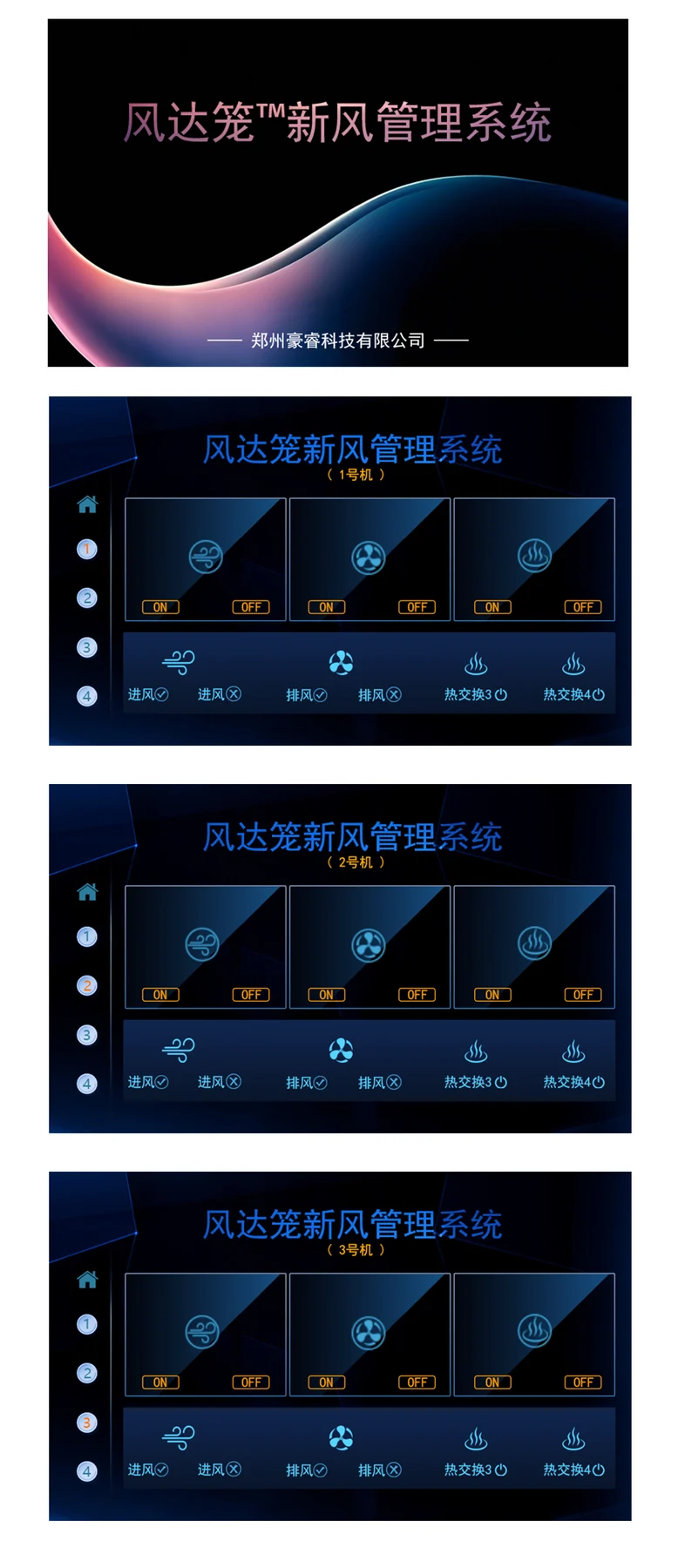
Touchscreen scene control grouped by machines and operating requirements
Machine groups and scenes

Group machines or circuits by workflow and execute a reusable operating scene with one action.

System Flow

OperatorSelect a zone, device, value or scene.
ZMLCD HMIPresents the UI and exchanges local commands or data.
RS485Connects the panel with field controllers, sensors and meters.
Control and AcquisitionRelays, dimming, IO, sensors and energy devices perform their roles.
PlatformOptional schedules, groups, alarms, logs and remote maintenance.

Zhenming Product Combination

ZMLCDLocal touchscreen, status display, zone navigation and scene entry.
Relay controllersExecute lighting and equipment circuit switching with channel feedback.
ZMSR0004-1GProvides four 0-10V control channels for compatible dimming systems.
Sensors and energy devicesProvide environment, voltage, current, power and energy data.

Customization follows the field workflow

Project work can cover UI layout, icons, equipment names, zone hierarchy, scene actions, data dashboards, screen saver behavior, permissions and communication mapping. Ethernet, LoRa or customer-system integration is planned according to the selected hardware and project scope; overall enclosure protection depends on the complete mechanical installation.

Application design and operating strategy

01

Organize the interface by area and operating task

Design the HMI around the operator’s tasks, separating areas, equipment groups, scenes, data and maintenance. Put frequent switching and scenes on clear operating pages, display environmental and electrical values with units, and separate service parameters through permissions. Choose four-inch wall, seven-inch equipment or dual-86, and ten-inch control formats around mounting space, information density and viewing distance.
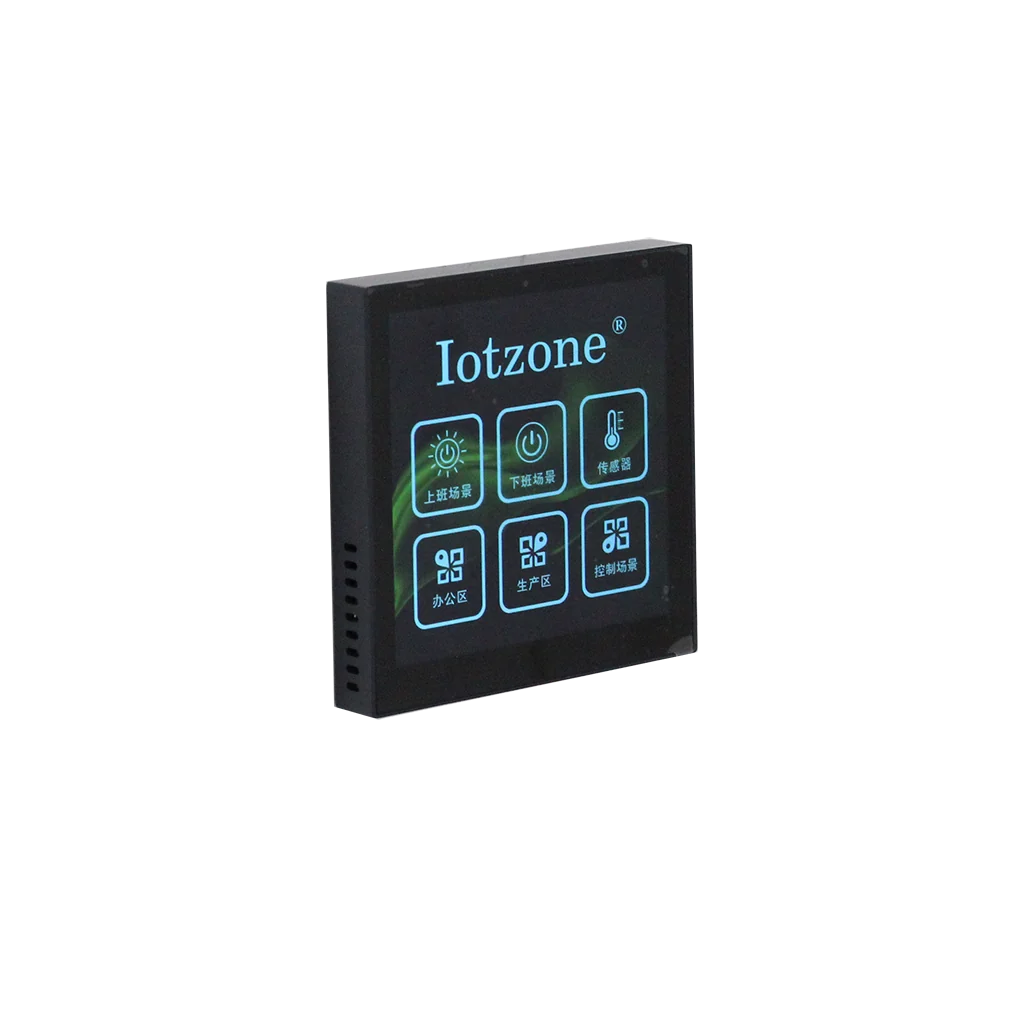
ZMLCD four-inch 86-format touchscreen panel
02

Map interface objects to real control and data points

Map every button, dimming slider and numeric value to a controller channel, output or measurement, defining address, units and state meaning. Relays handle circuit switching, 0–10 V modules and drivers handle brightness, and acquisition modules supply environment and energy data. A shared point register connects screen objects to equipment and supports checks when rooms expand or modules change.
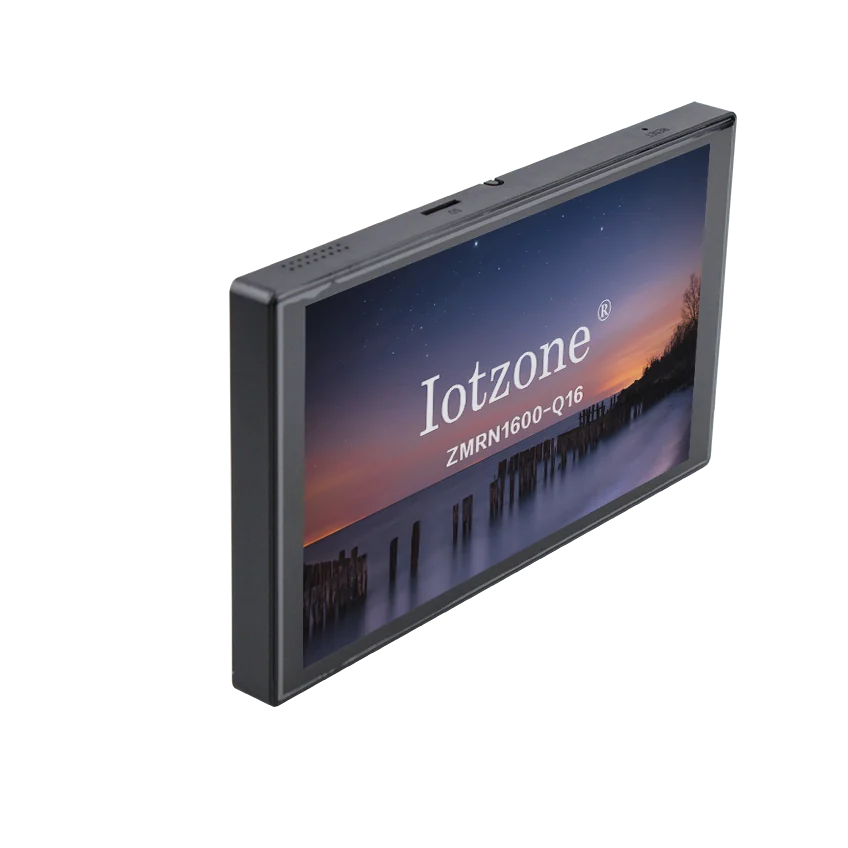
ZMLCD seven-inch dual-86 touchscreen panel
03

Deliver operation, feedback and maintenance together

Verify each screen action against equipment output and displayed feedback, including scene changes, manual recovery and communications state. Daily users focus on their area; authorized staff access service parameters and diagnostics; the platform handles wider grouping and remote maintenance. Retain the interface version, point register and device configuration so later page, text or data changes have a defined technical basis.
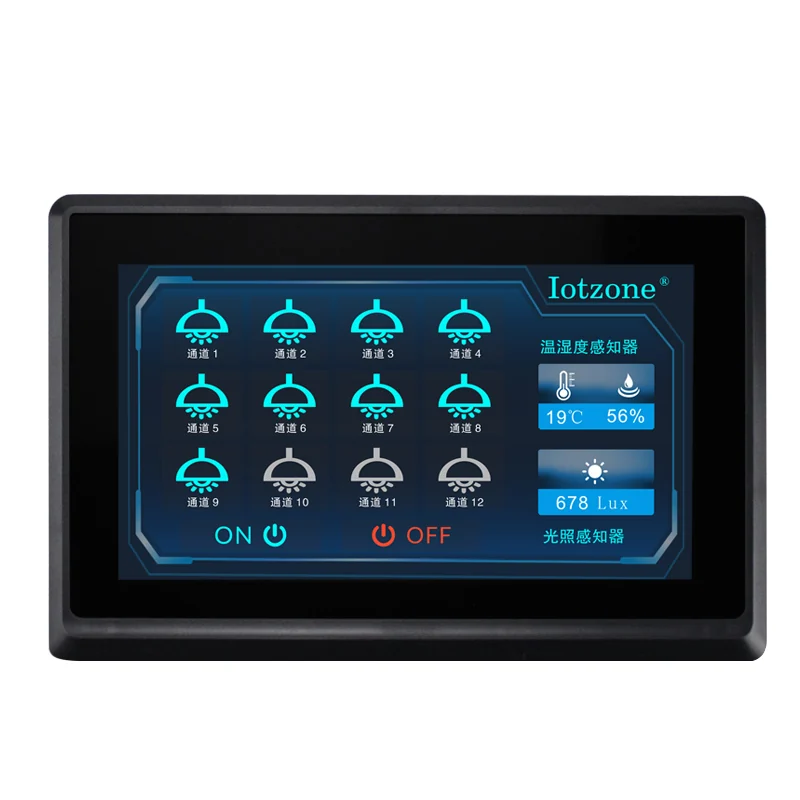
ZMLCD ten-inch industrial touchscreen

Selection questions

Is customization limited to appearance?

It can include page structure, area groups, button actions, units, scenes and permissions. Device protocols and point definitions determine the implementation scope.

How is later equipment expansion supported?

Retain the mapping between interface objects and equipment points, then expand with the same area and naming rules and verify actions and feedback.

Frequently Asked Questions

How should 4-inch, 7-inch and 10-inch panels be selected?The 4-inch 86-panel suits wall-mounted local control, the 7-inch options suit multi-zone walls or equipment panels, and the 10-inch panel suits control desks, cabinets and information-rich dashboards.
Can one interface control lighting, dimming and scene groups?Yes. The interface can organize individual channels, all-on or all-off actions, zone pages, dimming values and reusable scenes when matched controllers and dimming hardware are selected.
Can sensor and energy data be displayed?The HMI can be planned to display values collected by compatible RS485 sensors, current or energy acquisition devices, such as temperature, humidity, voltage, current, power and energy.
Can it connect to existing equipment or a customer platform?Integration is planned around the field protocol, register definition, control logic and system boundary. Zhenming controllers and gateways can be combined for RS485, Ethernet, 4G and platform access.
Does an embedded panel automatically provide IP65 protection?No. Overall protection depends on the selected screen structure, front-panel sealing, cabinet opening and enclosure design. The protection target should be planned as part of the complete installation.

Plan a touchscreen interface around your equipment and operators

Provide the installation space, controlled devices, data points, communication method and interface workflow for project selection.

Contact +86 16605298829

Contact Zhenming Electronics

Call us or leave your contact details for product selection and project enquiries.

Call us+86 16605298829Taobao Store ↗
Quote list 0