Modbus TCP Relay Integration with PLC and SCADA
Distinguish Modbus TCP services, coil offsets and software address conventions to integrate relay control, status feedback and model-specific registers with PLCs, HMIs and SCADA.
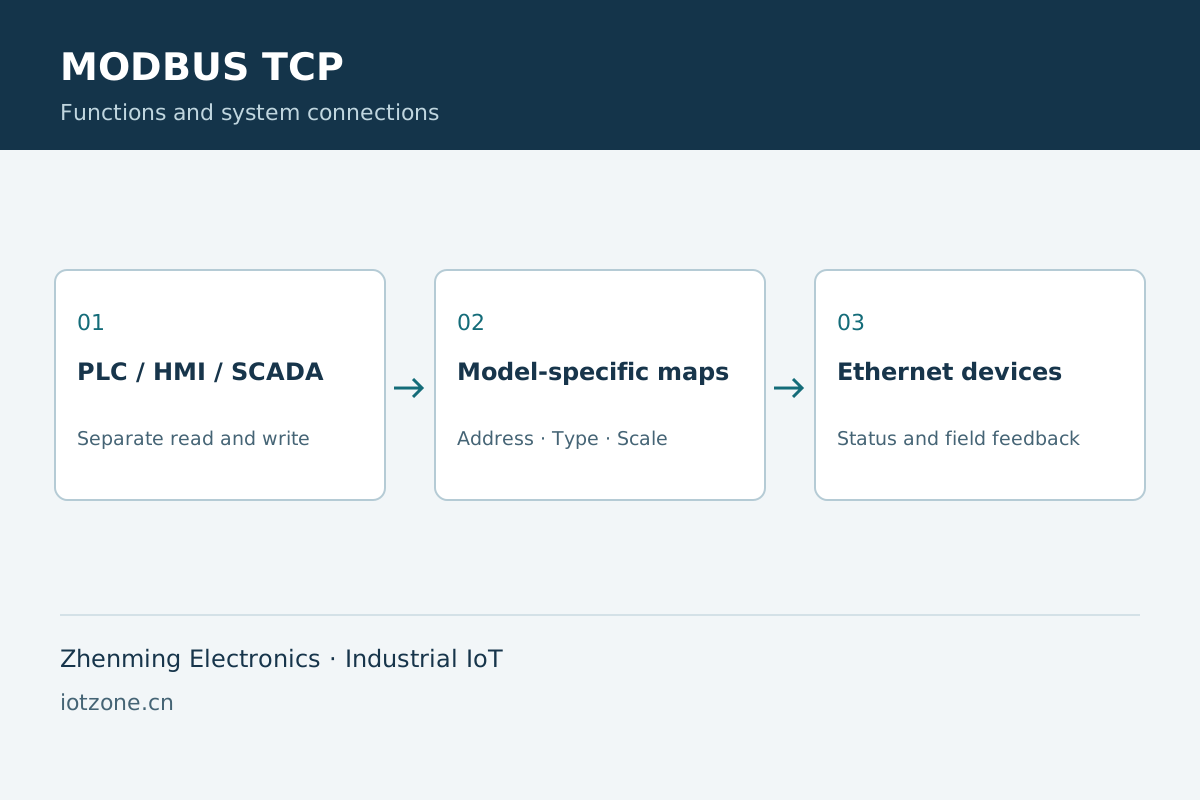
At a glance
Application overview
Define the data model before connecting devices. Relay outputs, digital inputs and electrical measurements use their respective data types, access modes and channel ranges.
Functions and integration
Services
The Q/V relay Modbus TCP interface uses port 502 and unit 254. Other device services and models use their own settings.
Address conventions
The first Q/V output coil has PDU offset zero; some PLC software labels it 00001. Align software addressing to avoid a one-point shift.
Functions
Q/V output access uses FC01 read, FC05 single write and FC15 multiple write within the device channel range.
Feedback
Separate reads and authorized writes, handle timeouts and reconnection, and use field feedback for consequential actions.
Applications and operating workflow
Cabinets
Map circuit names to PLC tags and distinguish commands from feedback.
Acquisition
Use each meter’s register map, units and scaling with communication validity.
System selection
| Systems | PLCs, HMIs, SCADA and Ethernet devices |
|---|---|
| Address range | Specific to model and channel count |
| Q/V output functions | FC01, FC05 and FC15 |
| Data types | Separate coils, inputs and measurement registers |
Frequently asked questions
Does every device use unit 254?
No. This setting belongs to the described Q/V relay interface, not all meters or RS485 devices.
Can a coil map read energy data?
No. Energy values use their corresponding register format and scaling.
Related products and engineering guides
Technical documents and project support
Request product selection assistance, interface documentation and system integration support with your equipment list, channel count, network conditions and deployment requirements.