IoT Platform Alarms, Permissions and Operations
Organize device groups, alarm handling, account scopes, enterprise branding and authorized video integration into a practical equipment-management workflow.
At a glance
Application overview
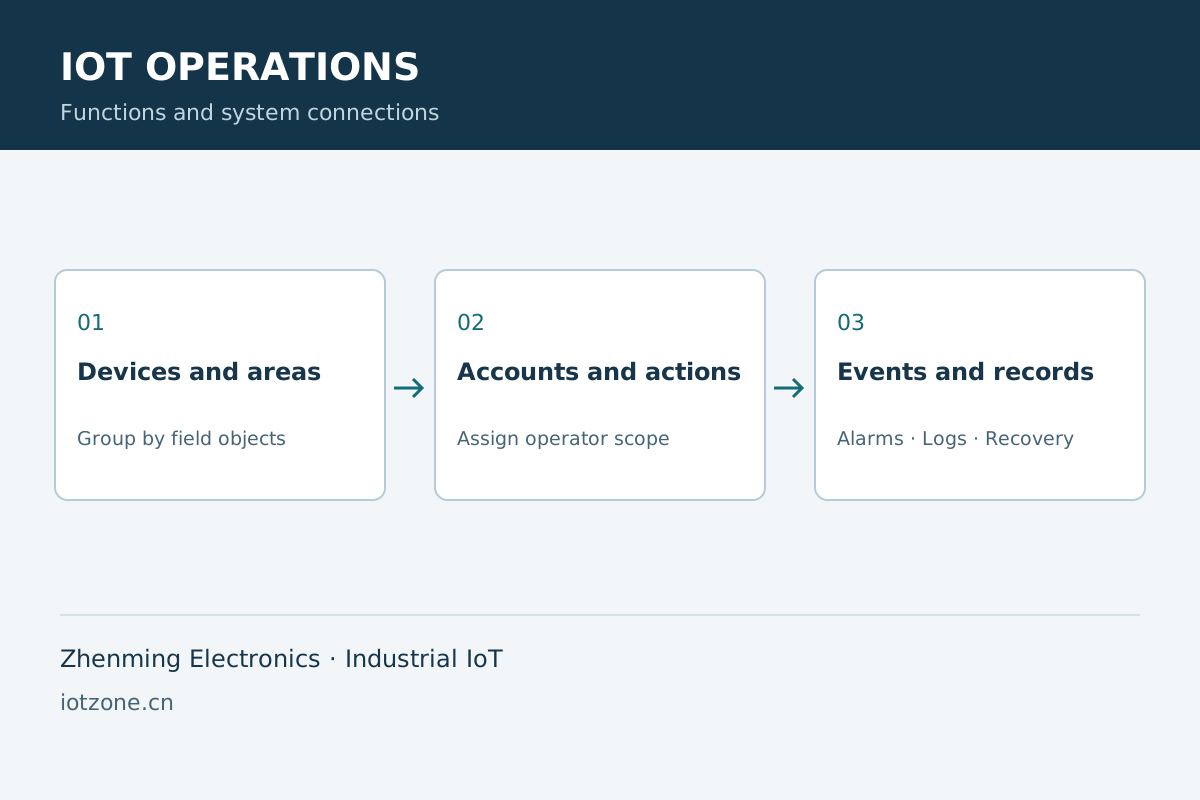
Map equipment to sites, buildings, rooms and circuits. Define operator scopes and use events and logs to connect field conditions with operational responsibility.
Functions and integration
Alarm workflow
Associate abnormal conditions with location, severity and responsible operators, then review recovery and handling records.
Accounts
Assign administrators, operators and maintainers appropriate device and action scopes.
Project delivery
Coordinate enterprise presentation, device groups, deployment and business interfaces within the project scope.
Video context
Authorized camera-platform integration links site video to equipment data, with credentials managed in controlled systems.
Applications and operating workflow
Properties
Locate alarms by building and equipment type with scoped operator access.
Multiple sites
Review device status and operations centrally while assigning site permissions.
System selection
| Objects | Equipment, people, areas and alarms |
|---|---|
| Permissions | Account and device-operation scope |
| Records | Events, operations and recovery |
| Integration | Business interfaces, video and private deployment |
Frequently asked questions
Does a controller supply video?
Video comes from authorized camera and video-platform access; controllers supply equipment data and control.
Does branding change every device capability?
No. Presentation and interfaces follow project scope, while field functions depend on the selected equipment.
Related products and engineering guides
Technical documents and project support
Request product selection assistance, interface documentation and system integration support with your equipment list, channel count, network conditions and deployment requirements.